


 Reviewed by
Running a small or midsize business (SMB) means wearing every hat, and the right software lets you hand off the busywork without hiring for it. Over years of working with business owners, I've watched free tools do real work: managing projects, sending invoices, keeping the books, and now drafting content with AI. The catch is that "free" isn't always free. Some tools give you a genuinely useful free tier; others hand you a short trial and lock the features you actually need.
Below, I've pulled together 25 tools that earn their spot, grouped by what they help you do. Each one includes what it's best for and its standout features, so you can find the right fit fast. And when you're ready to pay for the upgrades worth it, I'll cover how the right financing makes that step easier.
AI Tools
AI moved from novelty to daily driver for a lot of small and midsize businesses. These two do the most on a $0 plan.
1. ChatGPT
ChatGPT is an artificial intelligence (AI) tool that drafts copy, video scripts, and market research in seconds. The free tier handles most everyday writing and brainstorming, so you can move faster on content without hiring it out.
Best for: Drafting content and brainstorming fast
Website and email copy
Script generation
Research prompts
2. Claude
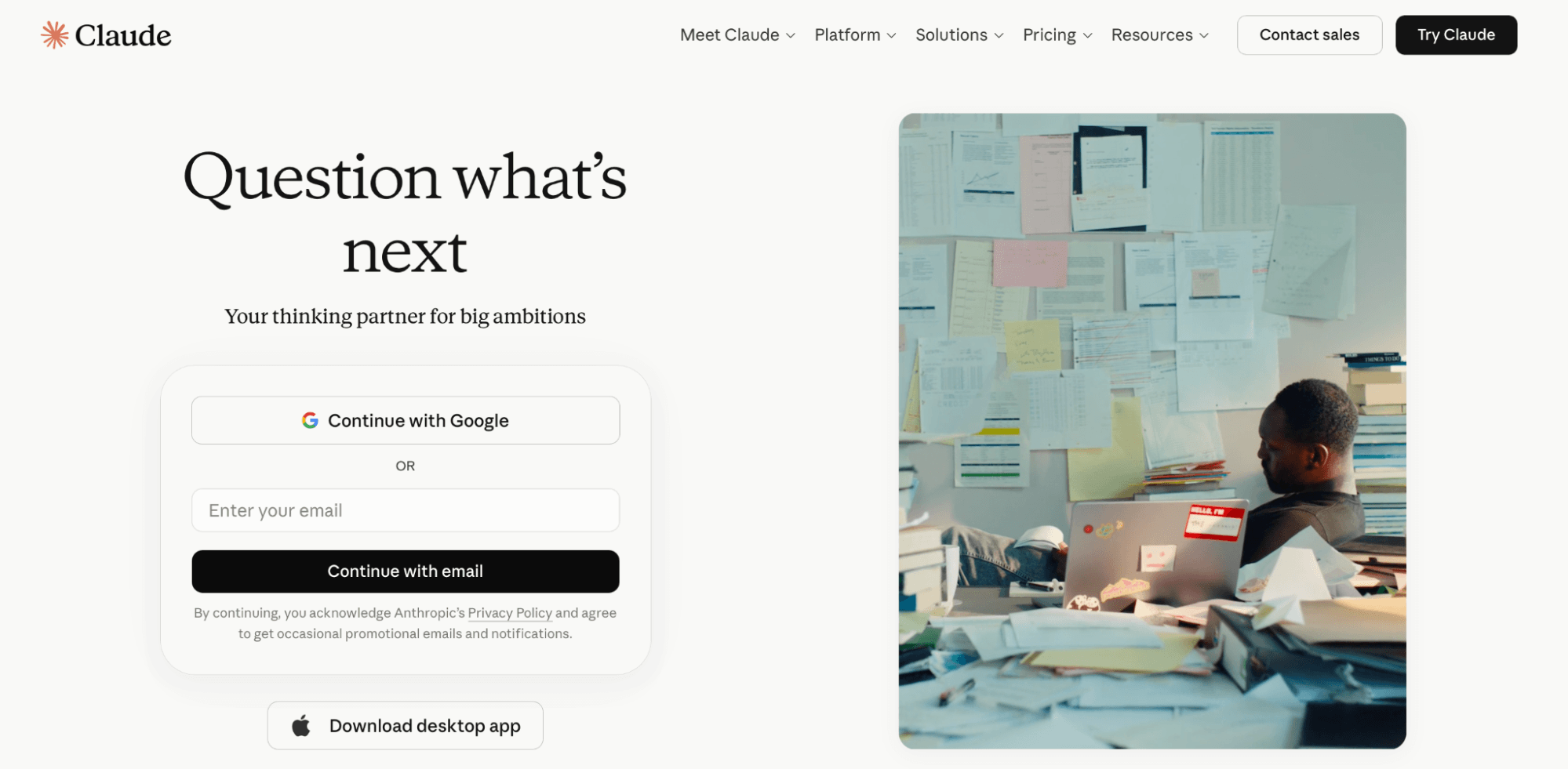
Claude is an AI assistant built for longer, more detailed work like reading contracts, summarizing reports, and analyzing spreadsheets. The free plan is strong for document-heavy tasks where you need careful answers.
Best for: Long-document analysis and research
Large document handling
File uploads
Summarization
Project Management and Task Tracking
Small and midsize businesses are leaning into software: More than half plan to increase their tech spending in 2026. A project management tool is a common place to start. If your team loses hours to non-billable admin, these tools buy that time back.
3. Asana
Asana helps teams (up to two people on the free plan) plan, organize, and automate projects with tasks, lists, and timelines. Automated status notifications keep work from slipping through the cracks, so task management stays on autopilot.
Best for: Teams coordinating multi-step projects
Customizable notifications
Unlimited file storage
Task and to-do list views
4. Trello
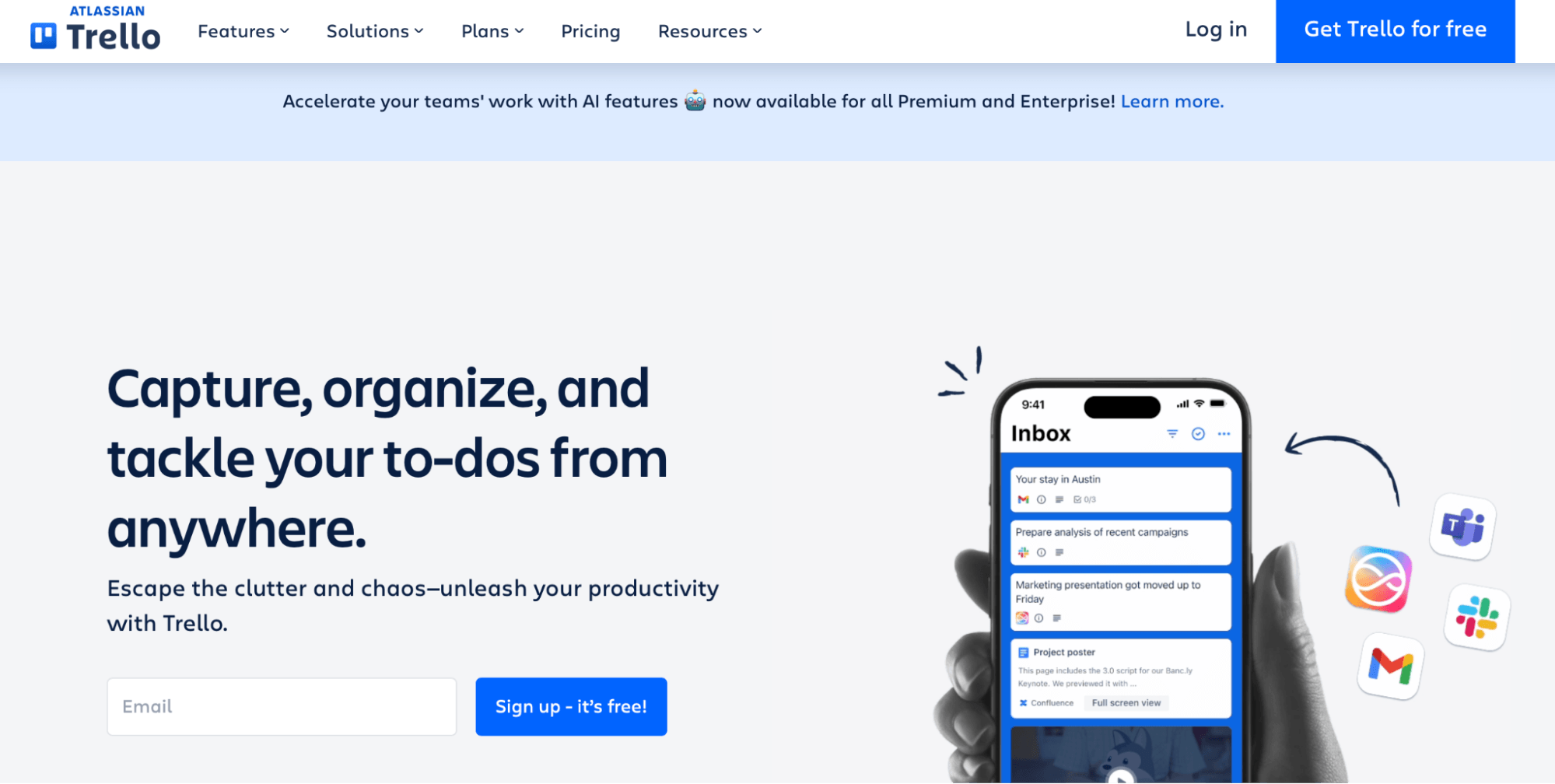
Trello organizes work on drag-and-drop boards, so you can see every task and its progress at a glance. It syncs across your computer, phone, and tablet and connects to apps like Google Drive and Mailchimp.
Best for: Visual, board-style task tracking
Interactive boards
Two-factor authentication
Unlimited storage
5. Monday.com
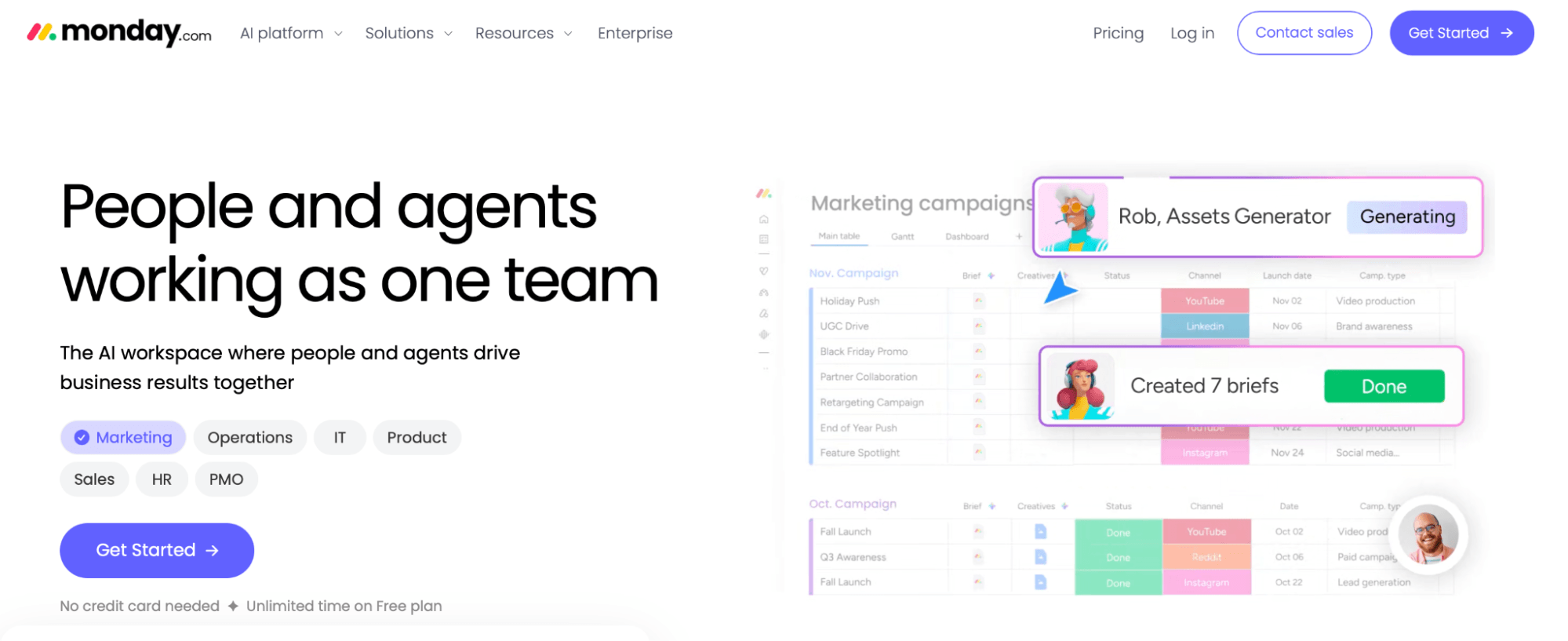
Monday.com runs your team's projects on customizable boards (up to three free) with columns you shape to your workflow. Each task gets its own conversation thread to keep the discussion in one place.
Best for: Customizable workflows on small teams
Workload visualization
200+ templates
Unlimited docs
Communication and Collaboration
6. Slack
Slack keeps team messaging, quick calls, and file sharing in organized channels instead of scattered email threads.
Best for: Day-to-day team messaging
Channels
Huddles
App integrations
7. Zoom
Zoom hosts video meetings, webinars, and team chats for up to 100 attendees. The free plan caps meetings at 40 minutes, but you can restart and pick up where you left off.
Best for: Client and team video calls
Whiteboards
In-meeting notes
Calendar integration
8. Google Meet
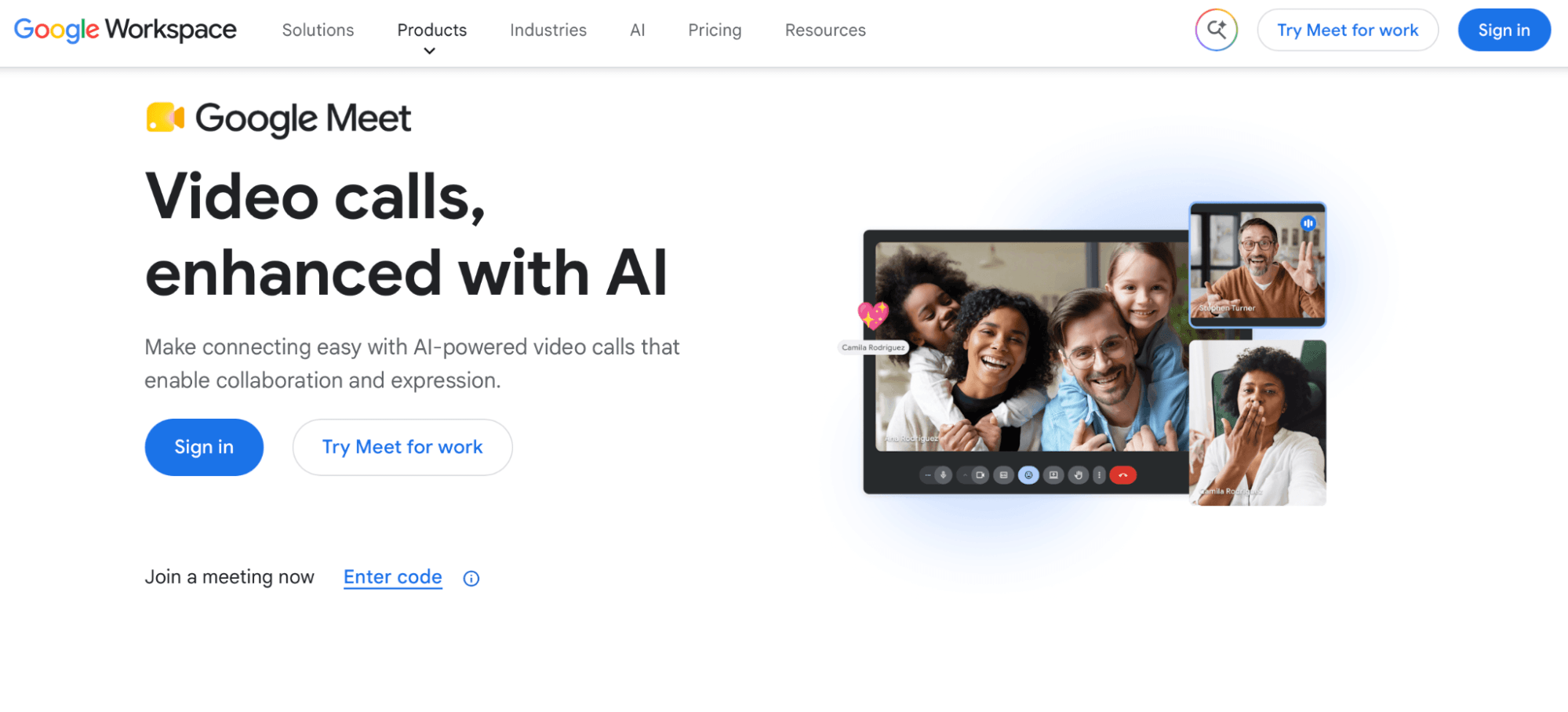
Google Meet runs live video sessions and screen shares for anyone with a Google account, tied into Calendar and Gmail. It's a quick, no-setup option for video conferencing with clients or your team.
Best for: Quick video conferencing tied to Google
Live captions
Instant meeting links
Up to 100 participants
9. Google Docs, Sheets, and Drive
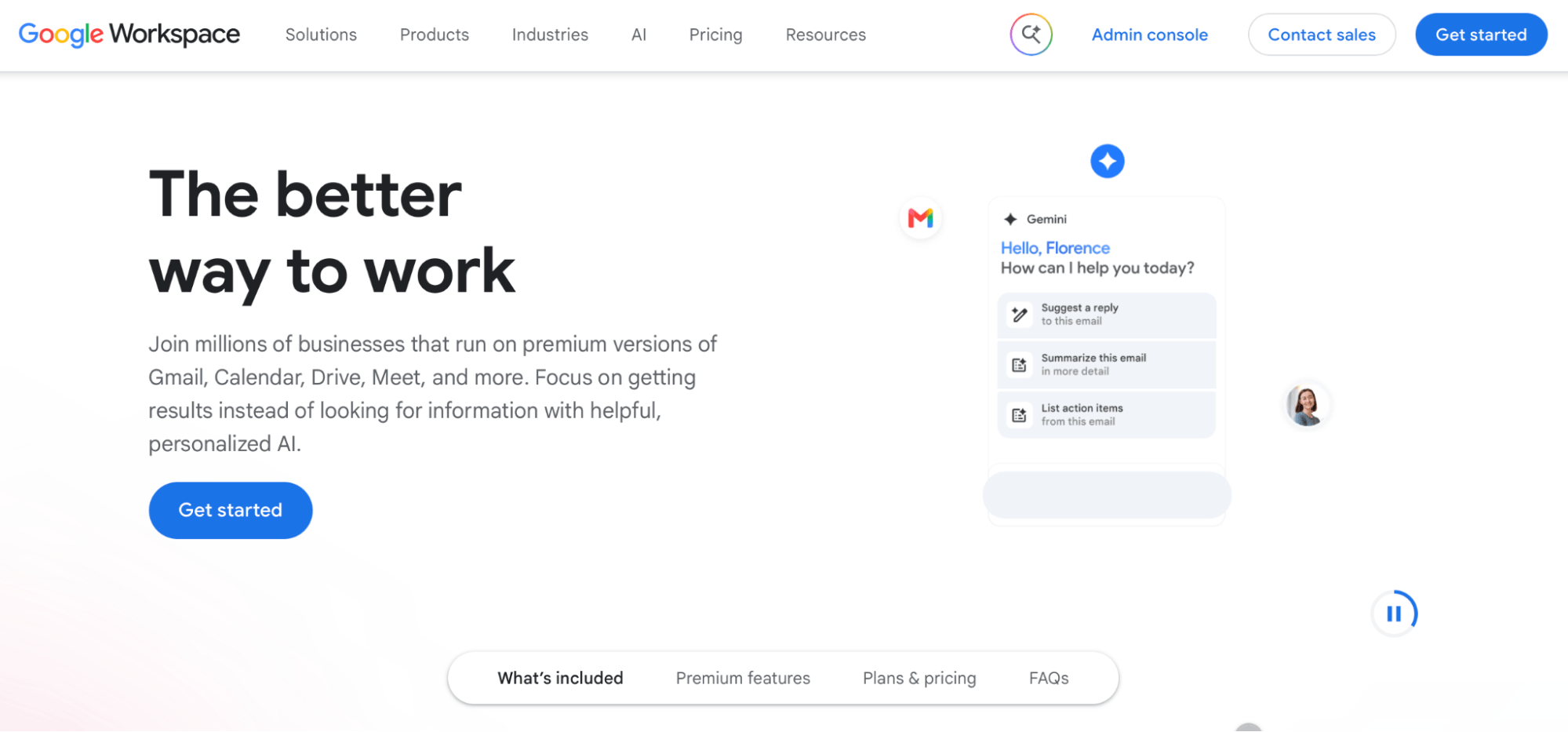
A Google account gives you shared documents in Google Docs, spreadsheets in Google Sheets, and cloud storage in Google Drive, all editable by your team in real time. Google Workspace, the paid version of this tool, gives you access to business email, custom domains, expanded cloud storage, advanced security controls, and premium collaboration features.
Best for: Shared documents and storage
Real-time collaboration
Access controls
Cross-device sync
Marketing and Social Media
Digital marketing eats up hours, and falling behind on it can hurt your business. These tools keep it manageable.
10. Mailchimp
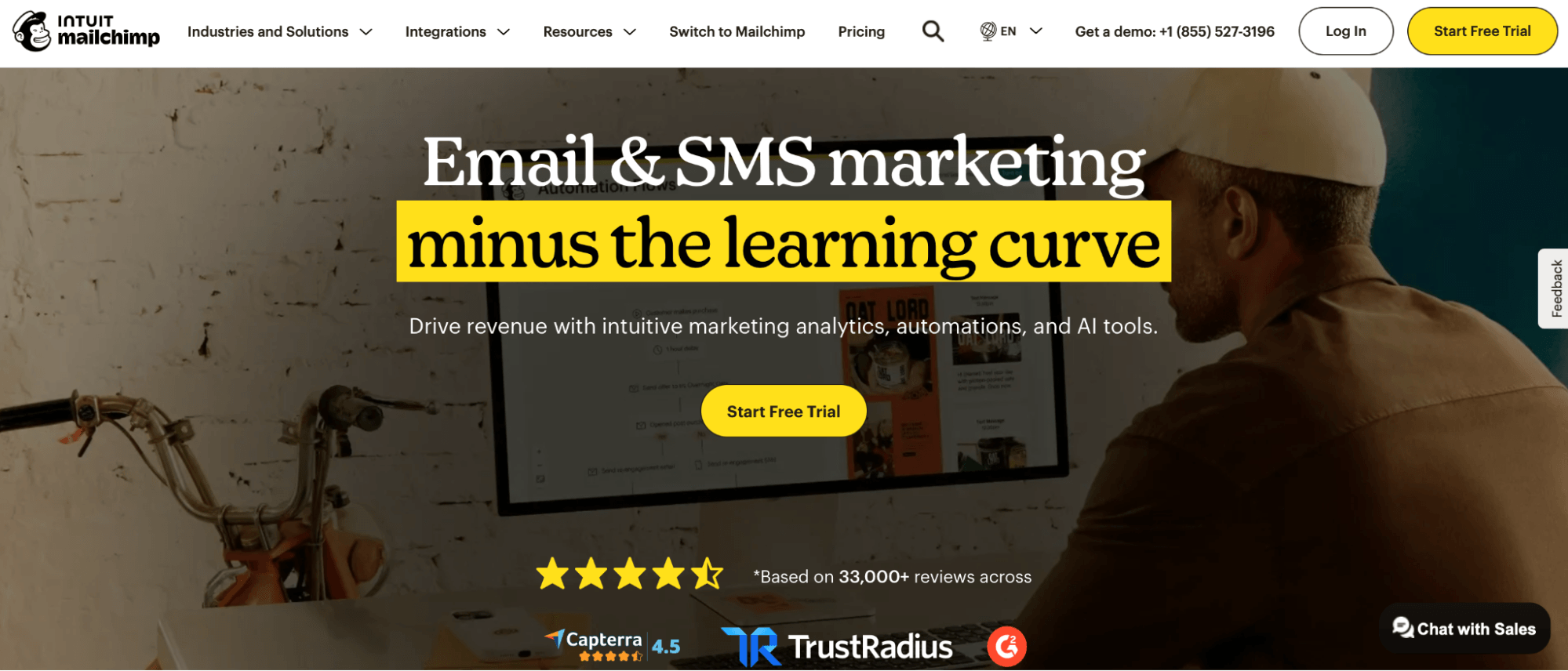
Mailchimp simplifies email marketing with prebuilt email templates, automated campaigns, and reports that show what's landing with your customers.
Best for: Email marketing and automation
Prebuilt email templates
Campaign analytics
Up to 250 contacts
11. Buffer
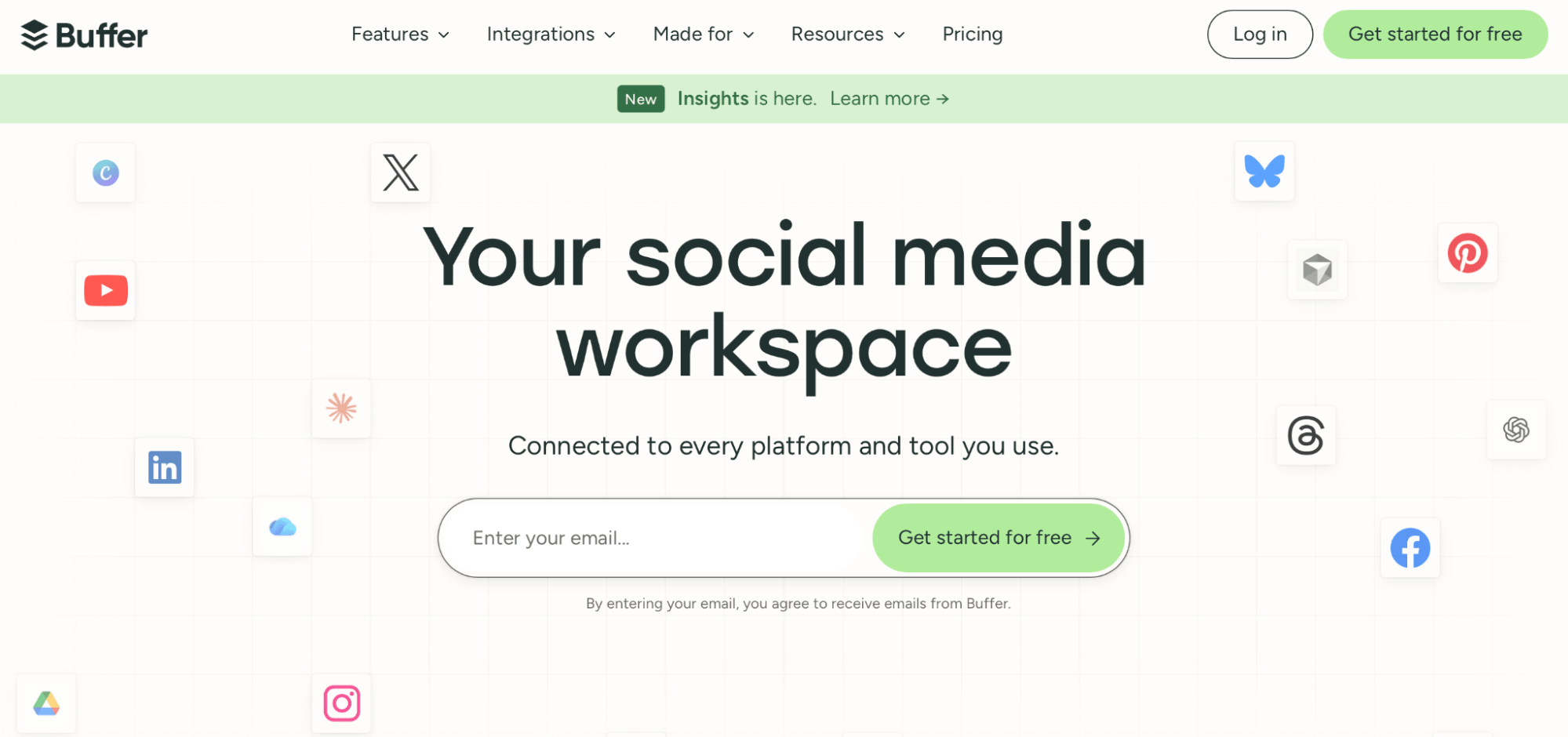
Buffer handles social media management from one dashboard, scheduling posts across Facebook, Instagram, LinkedIn, and Pinterest (up to three channels free) and analyzing past posts so you know when to publish. For Pinterest-first brands, Tailwind is a solid free alternative.
Best for: Scheduling and analyzing social posts
AI assistant
Post scheduling
Engagement analytics
Design and Branding
12. Canva
Canva builds branded graphics, social posts, and presentations from templates, with a free library of stock photos and elements. No design background required.
Best for: Quick branded graphics
Drag-and-drop editor
Stock photos
Brand templates
13. Adobe Express
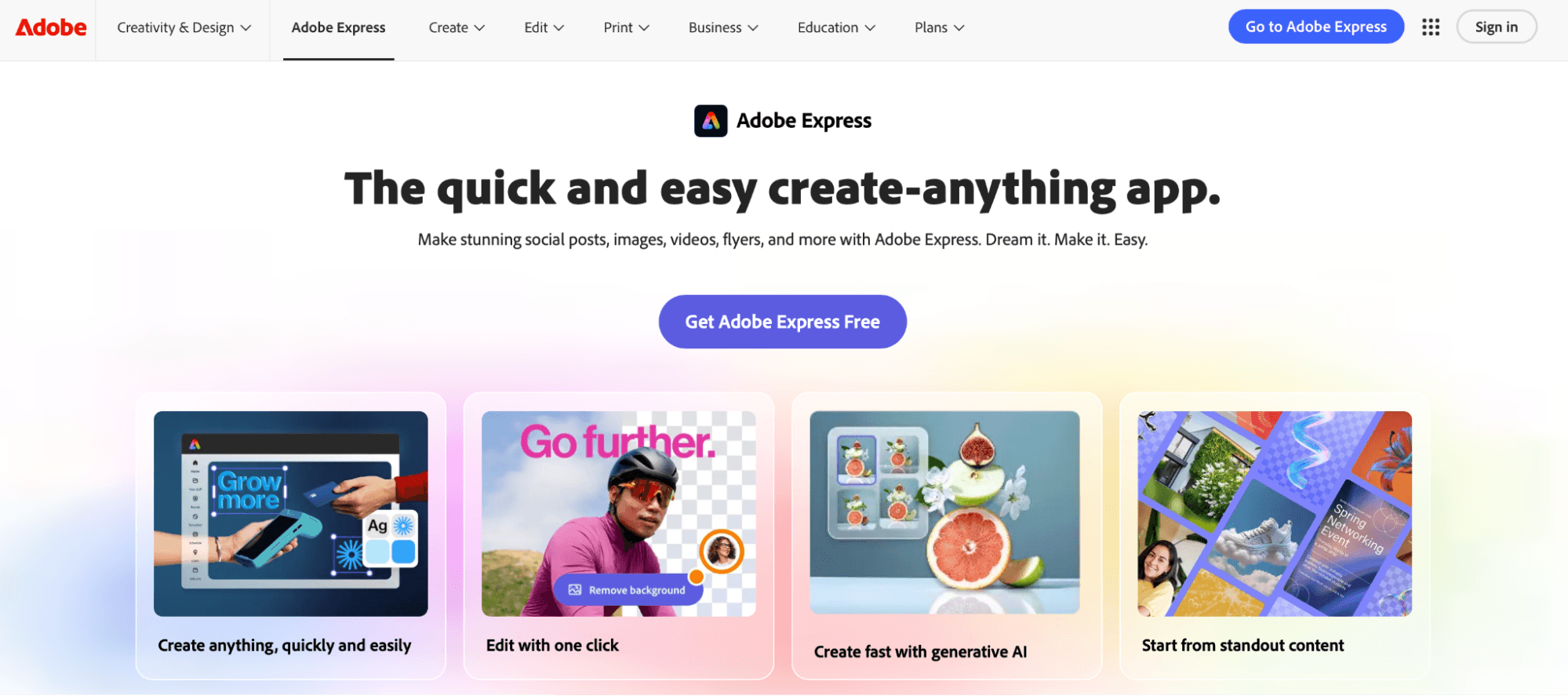
Adobe Express creates polished social and print assets with templates, quick photo edits, and one-tap resizing across formats.
Best for: Polished social and print assets
Templates
Background remover
Multi-format resizing
Website Building and E-commerce
14. Wix
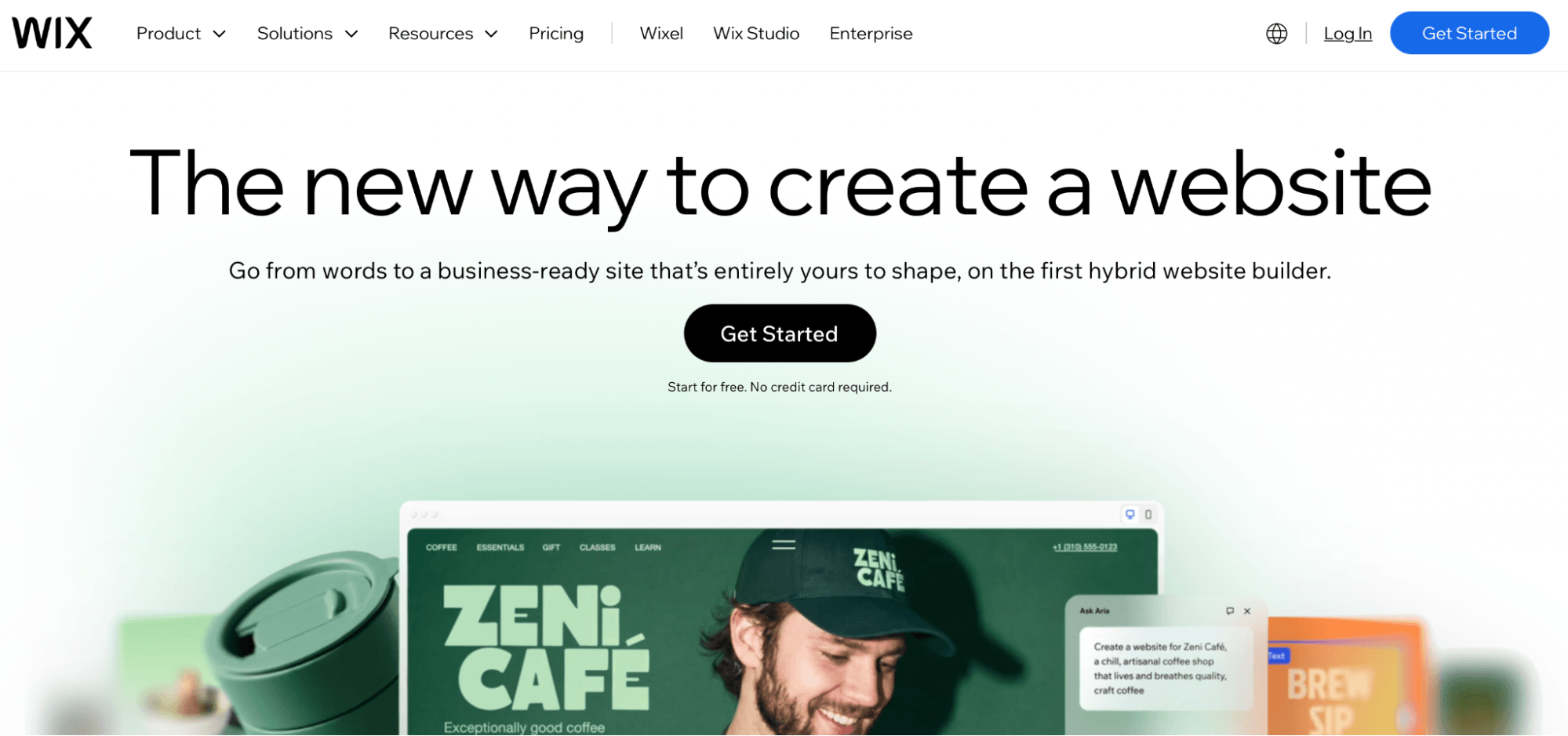
Wix is a website builder that gets a professional site live with no code, using drag-and-drop design and built-in hosting on the free plan.
Best for: Building a site with no code
Drag-and-drop editor
Templates
Built-in hosting
15. WordPress
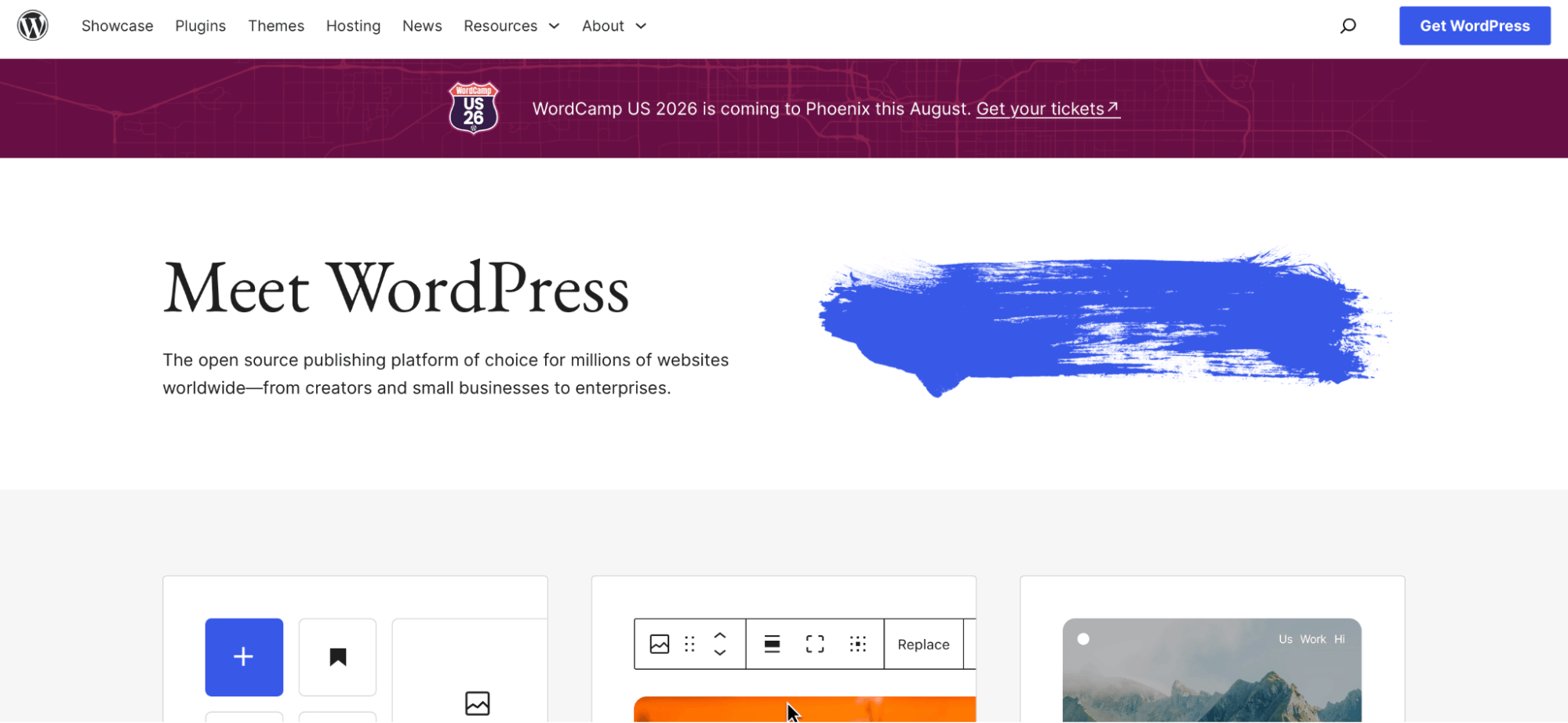
WordPress powers content-heavy sites and blogs, with thousands of plugins that add e-commerce, SEO, and booking features as you grow.
Best for: Content-heavy sites and blogs
Plugin library
E-commerce add-ons
Full design control
CRM and Customer Service
16. HubSpot CRM
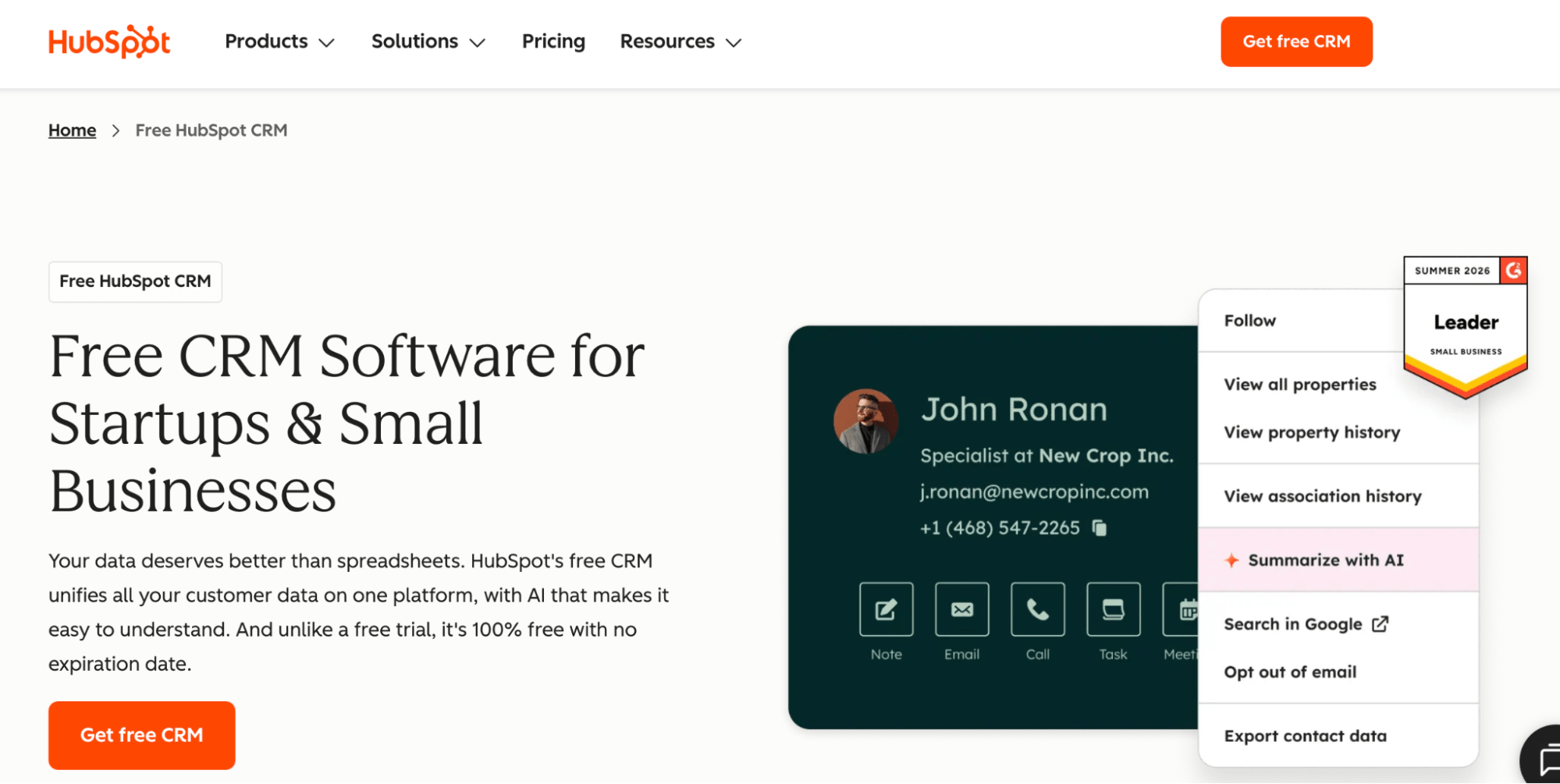
HubSpot CRM handles customer relationship management by tracking your sales pipeline, logging contact activity, and managing deals with drag-and-drop stages.
Best for: Tracking your sales pipeline
Live chat
Email tracking
Pipeline management
Accounting and Bookkeeping
Money handling, invoicing, and tax prep pile up fast. Free accounting software takes the load off, and it helps you monitor your cash flow month to month.
17. Wave
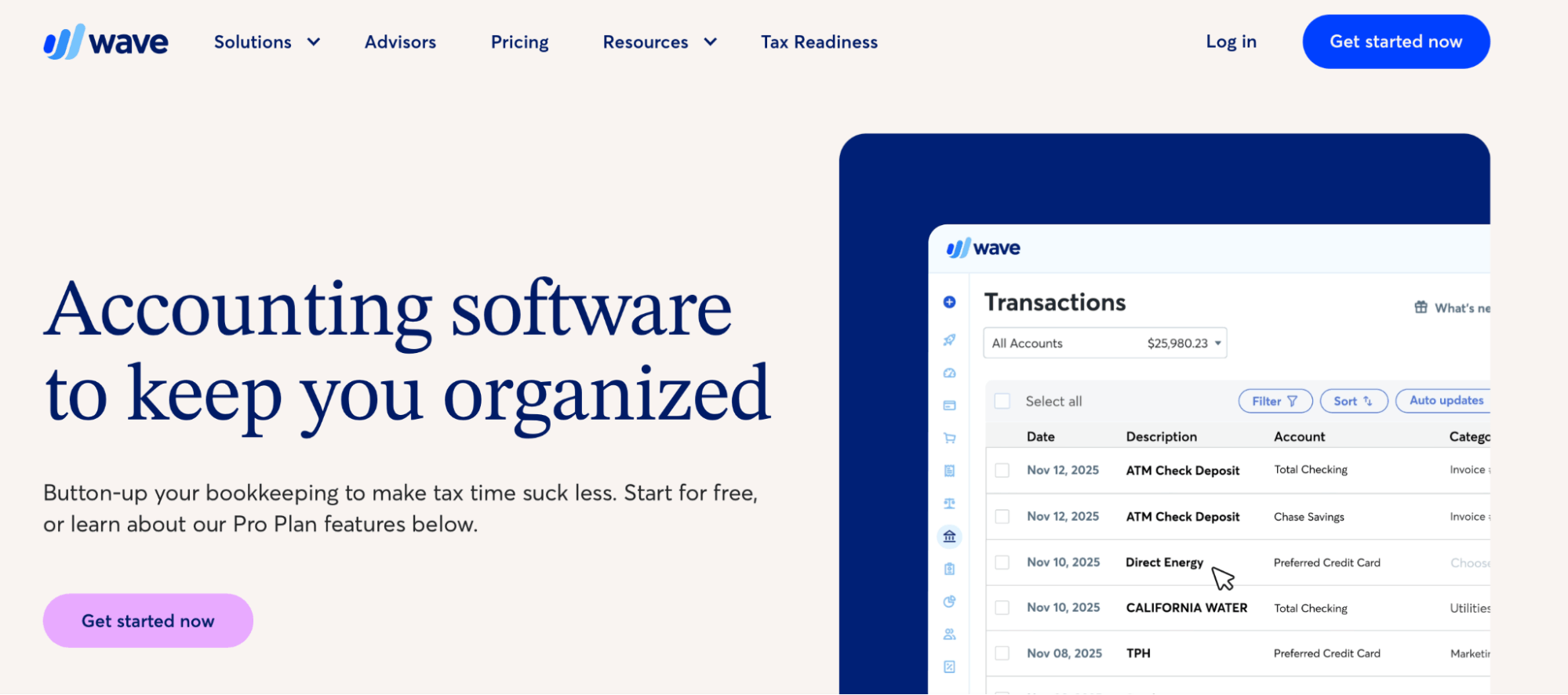
Wave handles invoicing and accounting from one dashboard that shows cash flow, profit and loss, and expenses. It also keeps your general ledger organized without an accounting background, which makes bookkeeping far less painful.
Best for: Bookkeeping and invoicing
Custom invoice templates
Automated reminders
Unlimited expense tracking
18. Zoho Books
Zoho Books automates invoicing and billing, records transactions in your customer's currency, and helps prepare tax paperwork by calculating taxes into compliant reports.
Best for: Automated invoicing and tax prep
Multilingual invoices
Automated reminders
Customer portal
Analytics and SEO
19. Google Analytics
Google Analytics tracks your website's performance and shows where your traffic comes from, plus what visitors do once they arrive.
Best for: Tracking website traffic
Traffic sources
Goal tracking
Data visualization
20. Ahrefs Free Tools
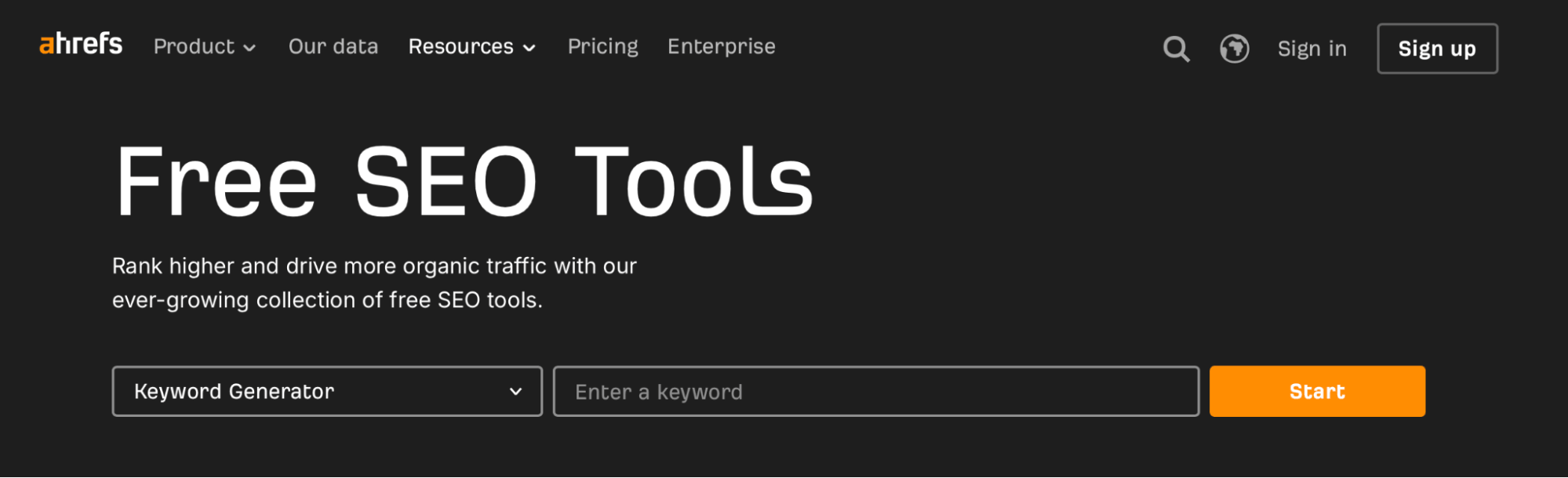
Ahrefs offers free SEO tools, including a keyword generator, backlink checker, and site audit, to sharpen your search strategy.
Best for: SEO and keyword research
Keyword generator
Backlink checker
Site audits
21. Google Search Console
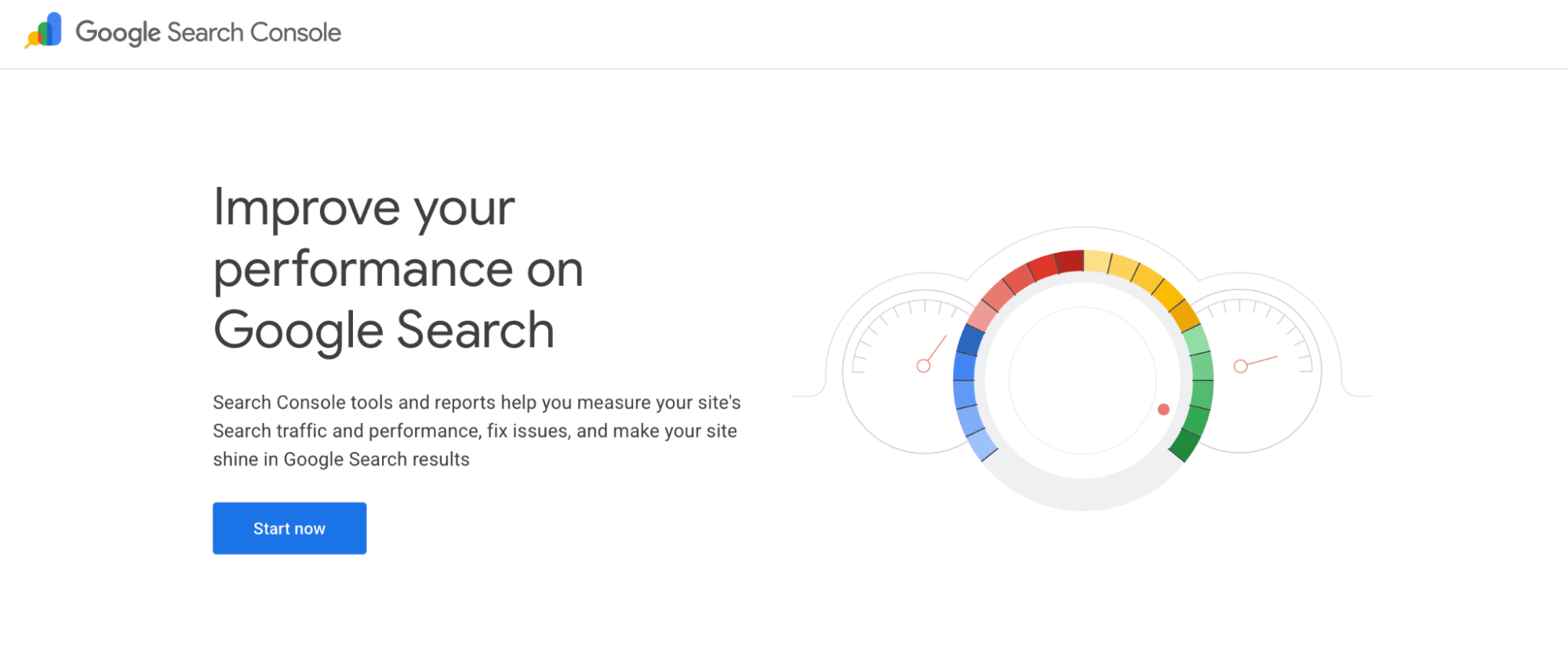
Google Search Console shows how your site performs in Google Search and flags technical issues. Pair it with a free Google Business Profile so local customers find you in Search and Maps.
Best for: Monitoring search performance
Search analytics
Index coverage
Local visibility
Automation and Productivity
22. Zapier
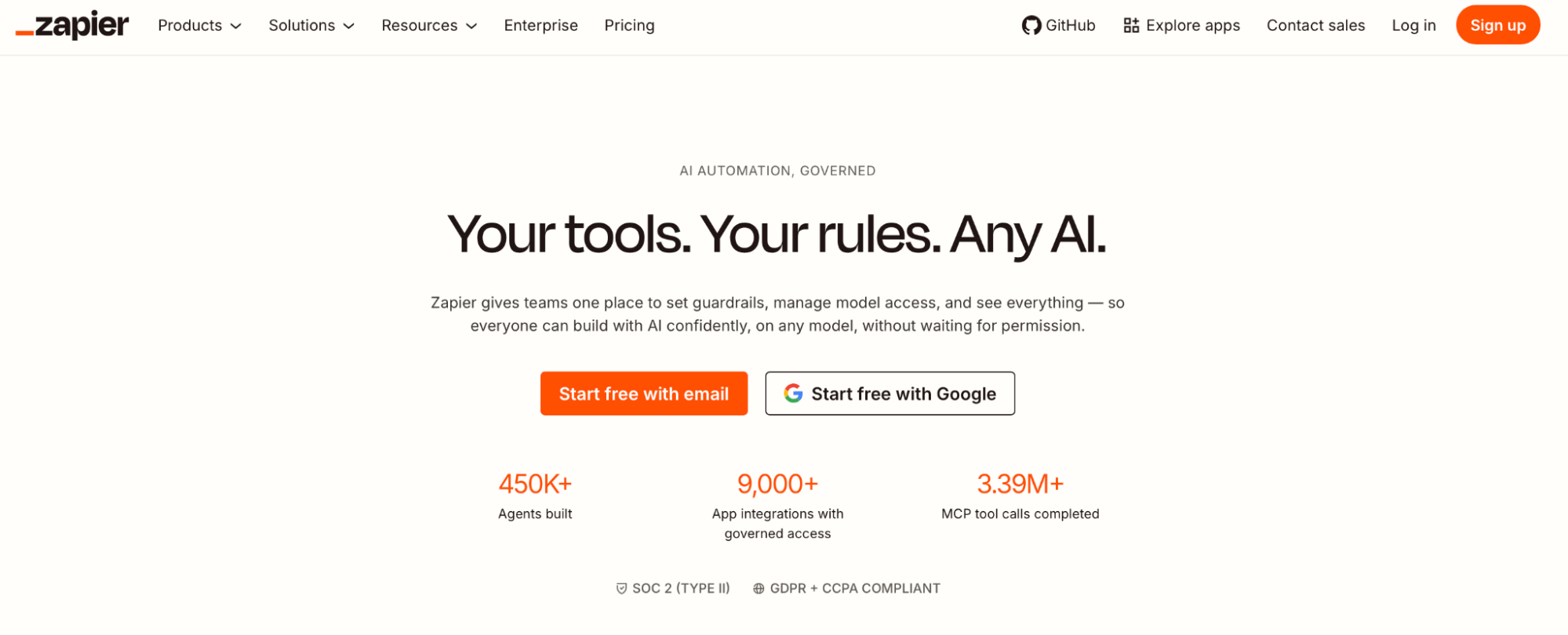
Zapier connects the apps you already use and builds an automated workflow between them, so tasks like adding new leads to your CRM happen on their own.
Best for: Automating workflows between apps
App integrations
Two-step automations
Triggers and actions
23. Evernote
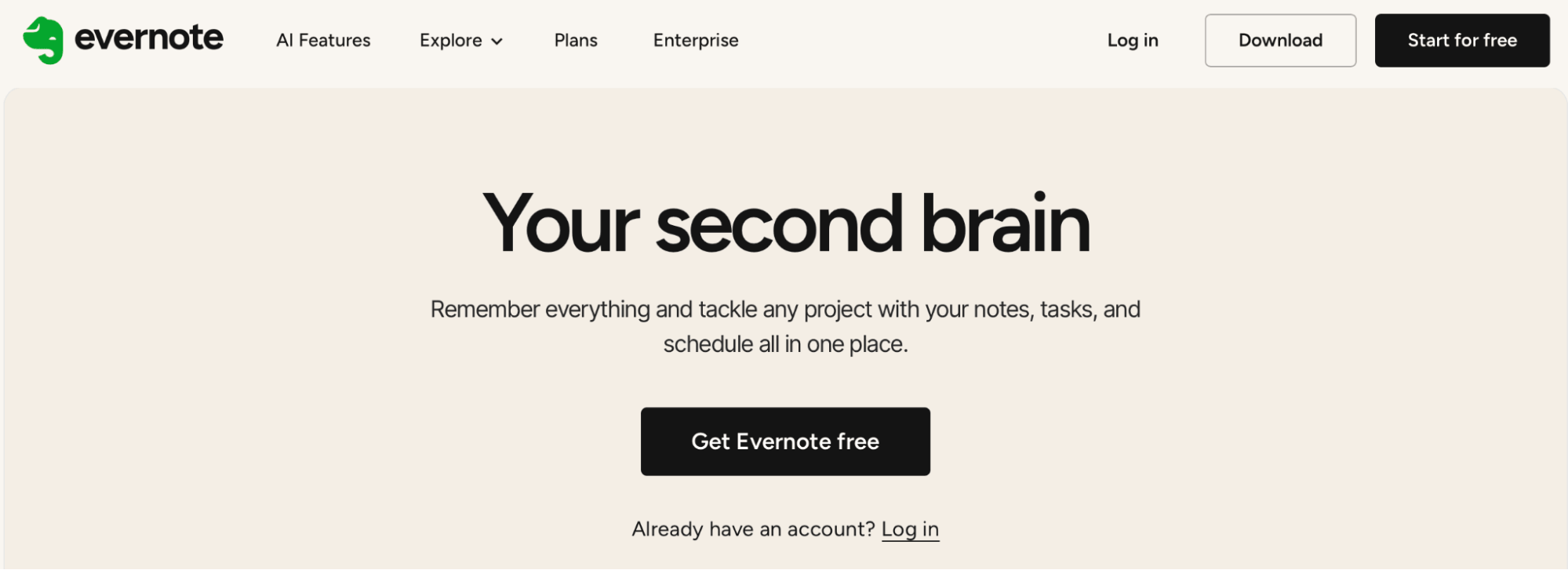
Evernote keeps notes, to-do lists, and task management in one searchable place across your devices.
Best for: Notes and to-do lists
Note syncing
Web clipper
Task reminders
Security and Data Protection
24. Bitwarden
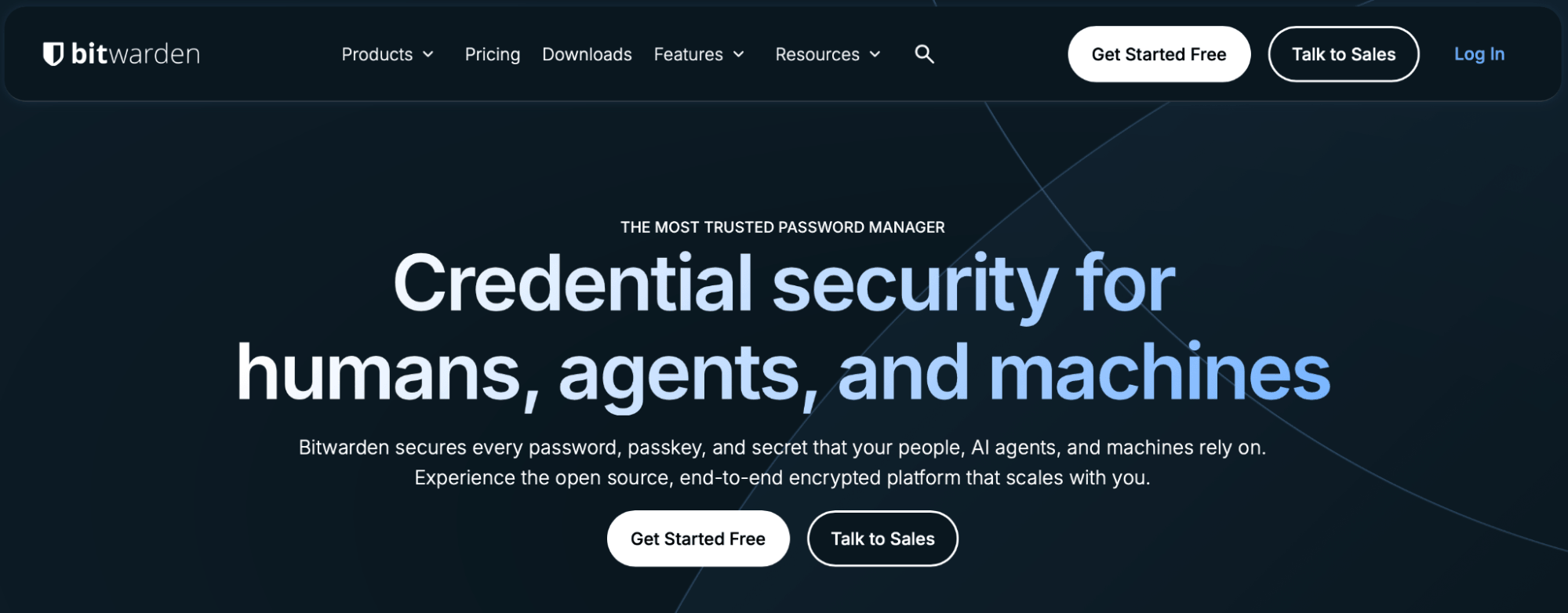
Bitwarden stores and autofills your passwords in one secure vault, syncs across unlimited devices, and flags data breaches tied to your accounts.
Best for: Password management
Unlimited passwords
Two-step authentication
Breach reports
25. Avast Free Antivirus
Avast Free Antivirus detects and blocks malware on Macs, PCs, and mobile devices and scans your Wi-Fi for security gaps.
Best for: Malware protection
Real-time threat detection
Wi-Fi security scans
Ransomware protection
Additional Free Resources
A few more free resources worth keeping on hand:
Coursera: Free courses on business operations, management, and marketing.
Free templates: Map your numbers with a financial projections template, and see what lenders look for in a business plan for a loan.
CPA support: As your books get more complex, it pays to work with a CPA firm [link this phrase to the CPA Firm pillar (article #76) once it's published].
Financing the Upgrades Worth Paying For
Free tools take a lot off your plate, but growth usually means paying for the upgrades: premium software tiers, better equipment, or another set of hands. That's where financing helps. Clarify Capital connects small and midsize businesses with 75+ vetted lenders and 7+ financing options, with APRs starting at 6% and same-day funding for credit scores over 550. Apply today when you're ready to put money behind the tools your business needs.
FAQ
What Is the Best Free Software for a Small Business?
It depends on the job. For projects, Asana and Trello lead; for accounting, Wave; for email marketing, Mailchimp; and for AI help, ChatGPT and Claude. Start with the task that eats the most of your week.
Is There a 100% Free CRM?
Yes. HubSpot CRM offers a genuinely free plan with contact management, sales pipeline tracking, and live chat, with no time limit on the free tier.
How Can I Promote My Business With No Money?
Combine free tools: schedule social posts in Buffer, run email marketing in Mailchimp, claim a free Google Business Profile for local search, and design assets in Canva. Together, they cover most early marketing at no cost.
What Free Tools Do Small and Midsize Business Owners Actually Use?
The most common picks are Slack for communication, Google Workspace for documents, Wave for accounting, HubSpot for CRM, and increasingly ChatGPT for content. All offer free tiers that hold up for real day-to-day work.

Bryan Gerson
Co-founder, Clarify
Bryan has personally arranged over $900 million in funding for businesses across trucking, restaurants, retail, construction, and healthcare. Since graduating from the University of Arizona in 2011, Bryan has spent his entire career in alternative finance, helping business owners secure capital when traditional banks turn them away. He specializes in bad credit funding, no doc lending, invoice factoring, and working capital solutions. More about the Clarify team →
Related Posts